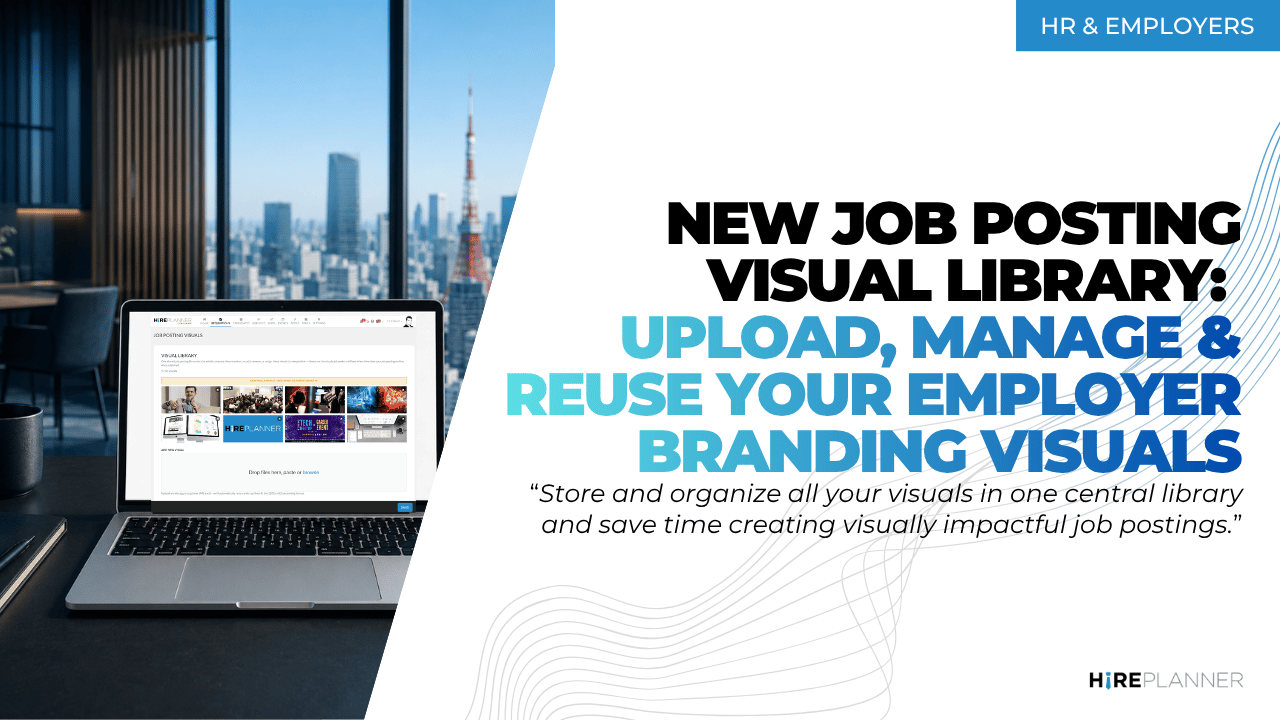
New Job Posting Visual Library — Upload, Manage & Reuse Your Employer Branding Visuals
September 30, 2026
We’re excited to introduce our new Job Posting Visual Library — a simple, time-saving way to manage your employer branding visuals and reuse them across your job postings.
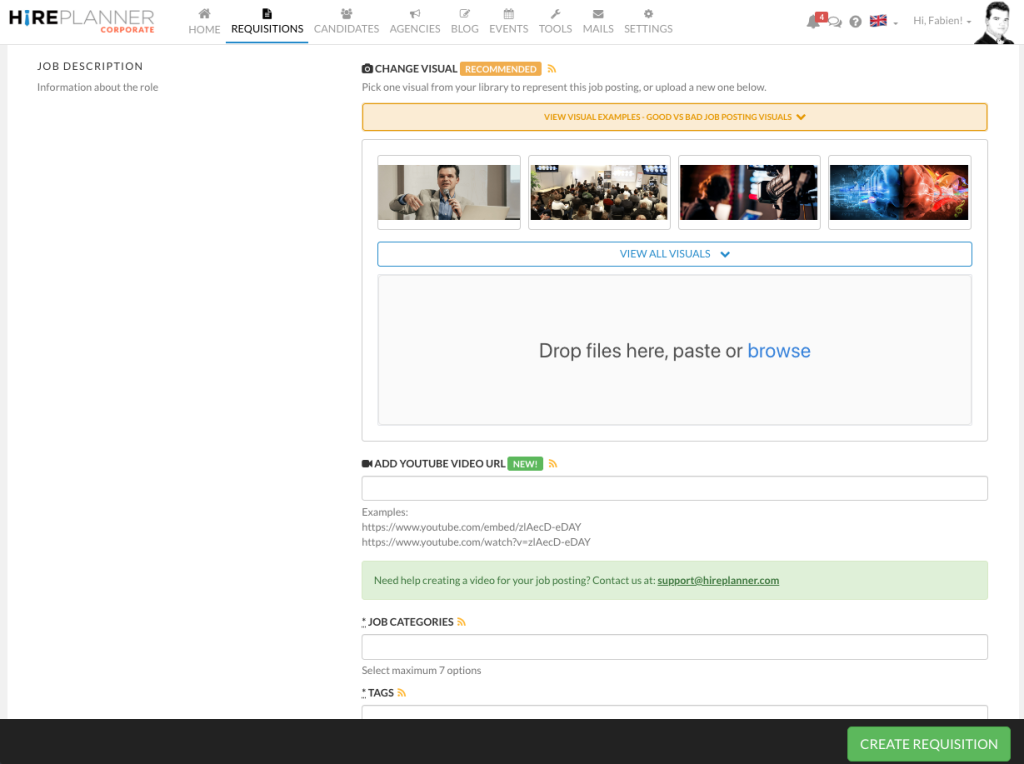
Instead of searching for the right image on your computer every time you create a new job, you can now store all your approved visuals in one central library and select them directly when creating a job requisition.
Why use the Visual Library?
Your job postings are often the first impression candidates have of your company. Adding authentic, engaging visuals can help bring your job listings to life while showcasing your company culture, products and employer brand.
With the new Visual Library, you can:
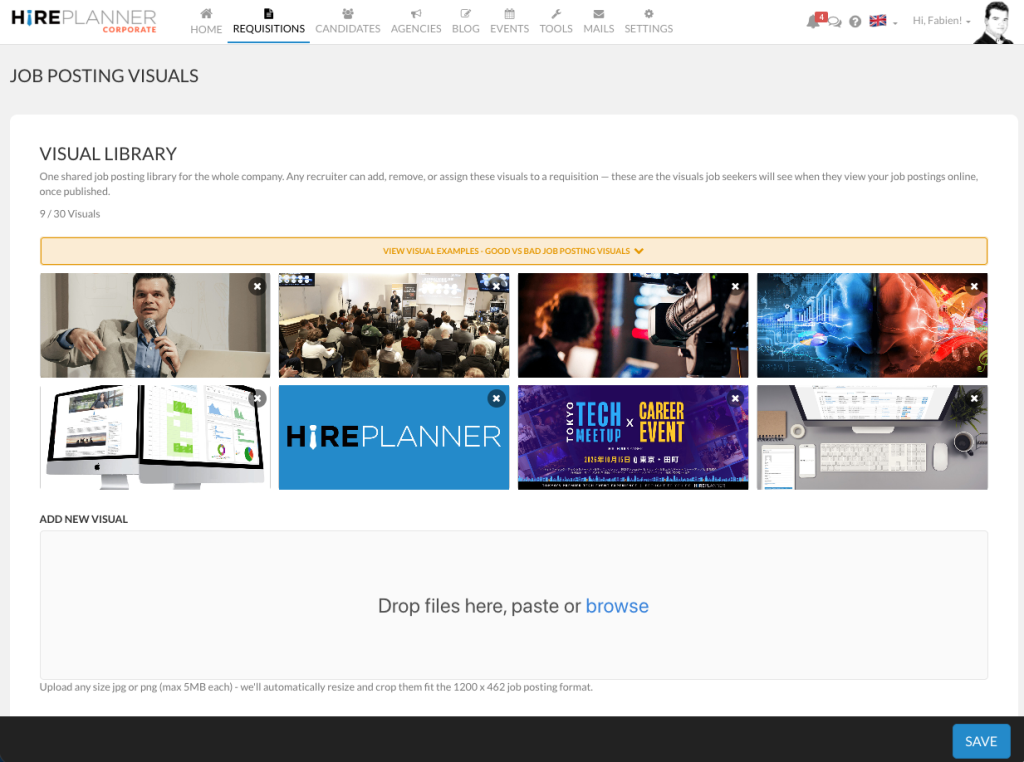
📁 Store up to 30 visuals per company
⚡ Save time by uploading your visuals only once
🔄 Reuse and rotate visuals across multiple job postings
🎯 Choose the right visual for each position or campaign
🏢 Showcase different aspects of your company — your people, workplace, products, services, technologies, events, and culture
🗑️ Remove outdated visuals and replace them with new ones
✨ Keep your job postings visually consistent and professionally branded
Once your approved visuals are uploaded, there is no need to manually upload the same image every time you create a new requisition.
Build your Job Posting Visual Library
You can access the Job Post Visual Library from the Requisition menu in the top navigation bar.

From the “Job Posting Visuals” section, you can easily upload and manage each and every one of your employer branding media library of visuals to enhance your job postings and showcase your employer brand.
💡 Recommended Visuals
For the best results and maximum visibility across job boards, use authentic, professional images that clearly represent your company, people, products, and culture.
✅ What to use
📸 Real, original photography
Use authentic photos of your employees, workplace, products, events, or company activities. Real photography helps candidates get a genuine impression of your company and culture.
🎯 Relevant visuals
Showcase your team, technology, products, services, or workplace so candidates can quickly understand what your company does.
🏷️ Include your company logo
Adding your logo reinforces your employer brand and helps candidates recognize your company across job boards and recruitment channels.
👥 Team photos — highlight your people, diversity, and workplace culture
🏢 Office and facilities — show candidates where they could work
💻 Products or services — showcase what your company does
🎉 Company events and activities — give candidates a glimpse into your culture and day-to-day environment
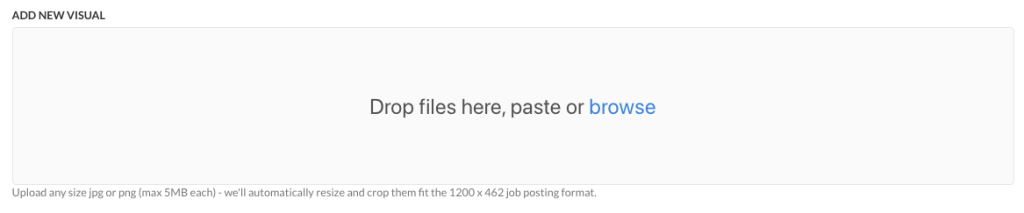
Recommended format: 1200 × 462 px JPG or PNG
Maximum file size: 5 MB
❌ What to avoid ⚠️
– Stock photography — free or paid
Generic or recognizable stock images can make a job posting feel less authentic. Please also note that Recruitment platforms such as Indeed may also restrict, down-rank, or remove job postings from their listings if they judge the visuals to not meet their content requirements and guidelines.
– Visuals unrelated to your business
Generic or off-topic images don’t help candidates understand your company and may negatively affect how your job posting is presented across partner job boards.
– Text overlaid on the image
Avoid adding salary, location, job titles, promotional messages, or other text directly onto the visual. Such overlays may not comply with the requirements of job boards such as Indeed and can affect how the image is displayed or distributed.
🚀 Save time. Showcase your brand.
Once your Job Posting Visual Library is ready, you can create more visually appealing job postings while saving time in the process.
Upload once → Reuse everywhere → Spend less time managing visuals and more time recruiting.
📞 👉If you need any support to create quality employer branding visuals and content, please contact us anytime at support@hireplanner.com.